 Techdave Integrated Systems Blog news and helpful tips from Techdavez

Step 1
Open Terminal and type
/bin/bash -c “$(curl -fsSL https://raw.githubusercontent.com/Homebrew/install/HEAD/install.sh)”
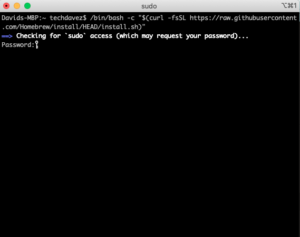
Enter the system password and press enter
Homebrew is downloaded and installed automatically
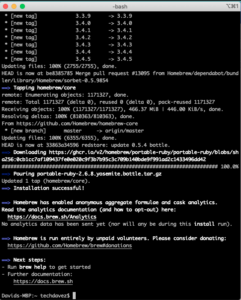
Now you can use the HomeBrew Package manager to install other needed tools for your Mac.
INSTALLING TERRAFORM USING BREW
Steps
- Install the HashiCorp tap, a repository of all our Homebrew packages
$ brew tap hashicorp/tap
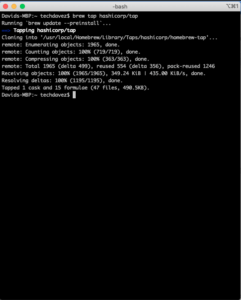
2. Now install Terraform with the following command
$ brew install hashicorp/tap/terraform
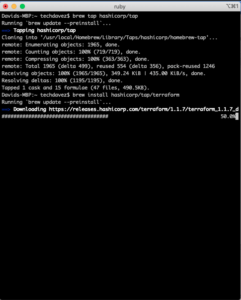
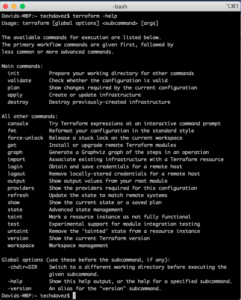
3. Run any terraform command to confirm installation e.g. terraform -help
One major advantage of HomeBrew is that you can easily update terraform using this package manager by running
brew install hashicorp/tap/terraform